01
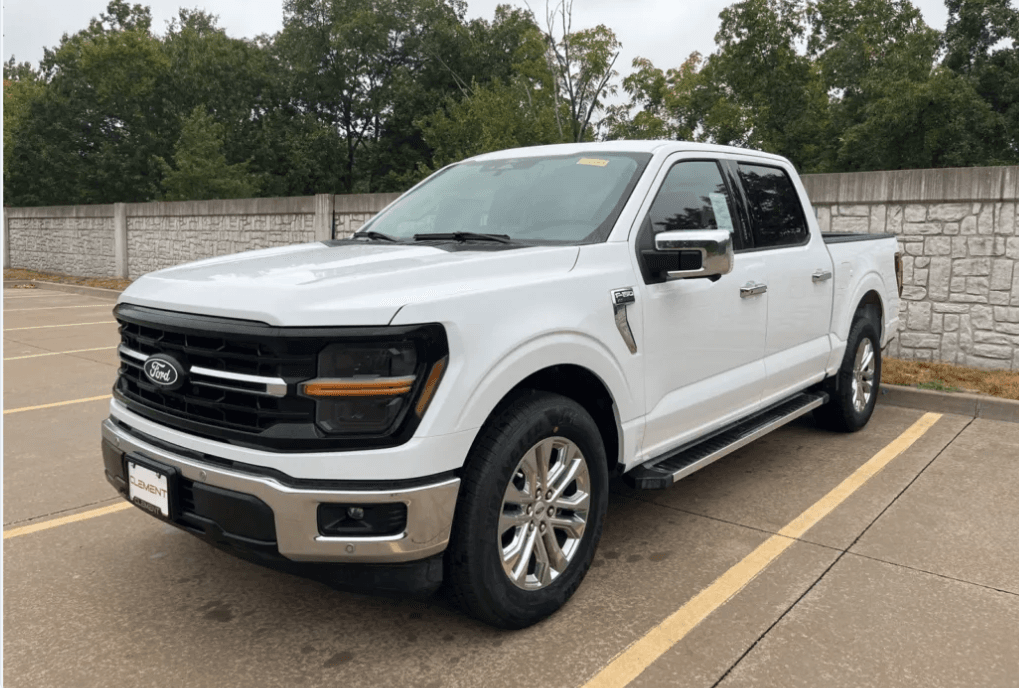 Customer photo
Start with their vehicle
Upload a customer photo and confirm its current setup before exploring changes.
Built for custom shops
Turn a photo of their vehicle and the parts they want into a visual concept. Compare options together, then price the build they choose.
See a customer photo become a build concept and estimate. Bring one of your builds if you’d like.
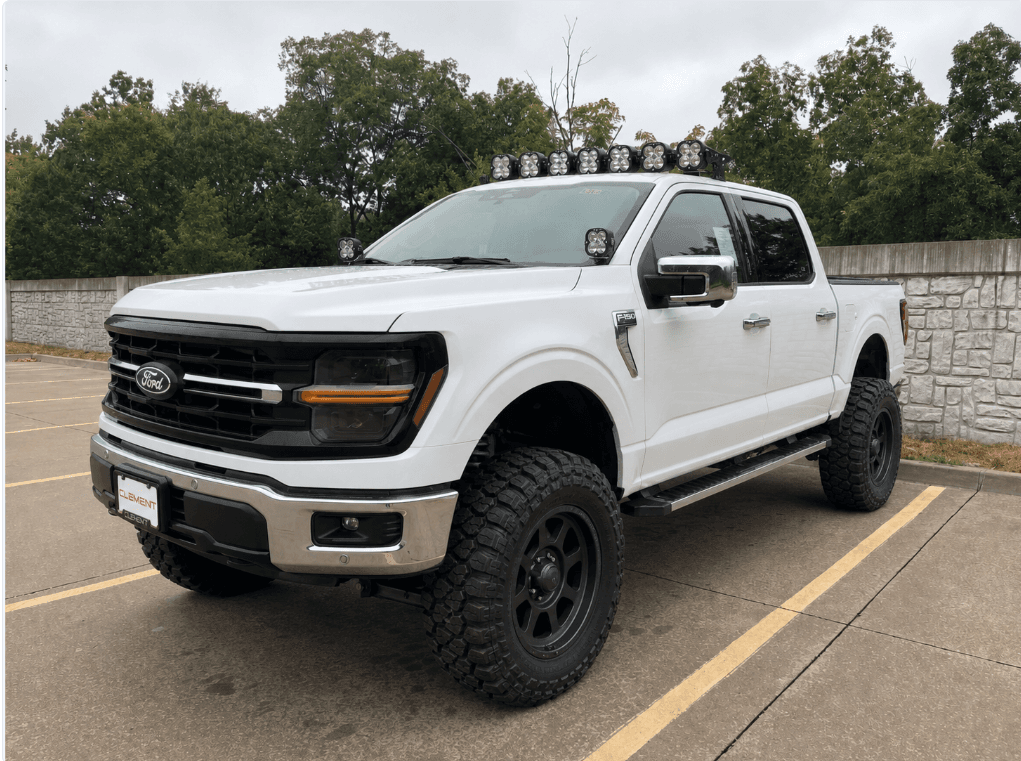
2024 Ford F-150 XLT
THE WORKFLOW
Give customers something concrete to react to while you guide the details that matter.
Customer photoUpload a customer photo and confirm its current setup before exploring changes.
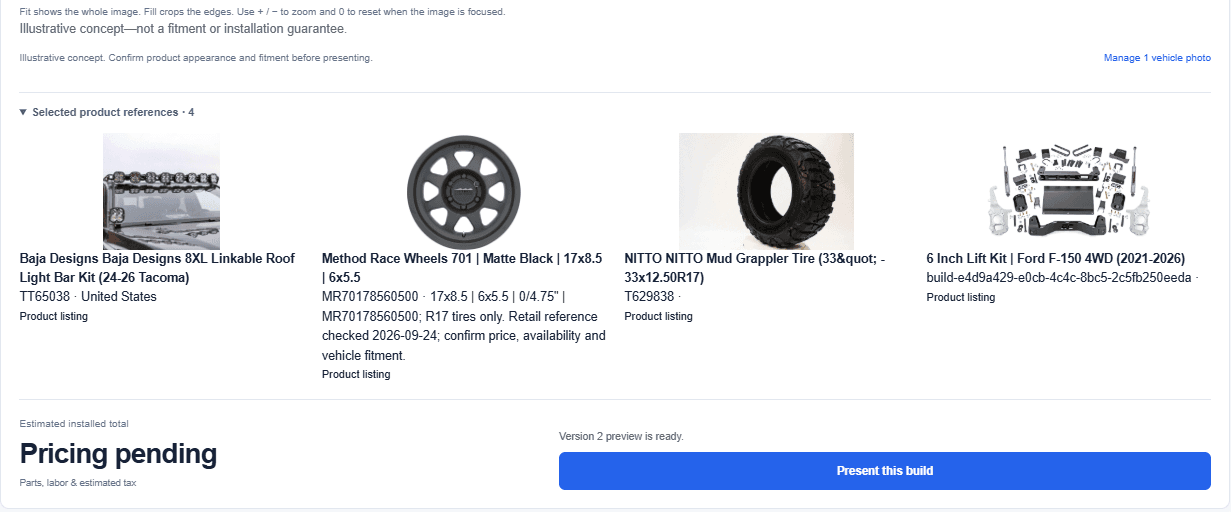
Capture selected products from supplier pages. Review visual details before rendering or quoting.
Visual conceptExplore visual concepts side by side and build an estimate when the customer picks a direction.
MADE FOR THE SALES CONVERSATION
BiltRides gives your team a place to build around the customer’s actual photo, explore versions and review the selected parts before putting a number on the job.
See it with your shop’s workflow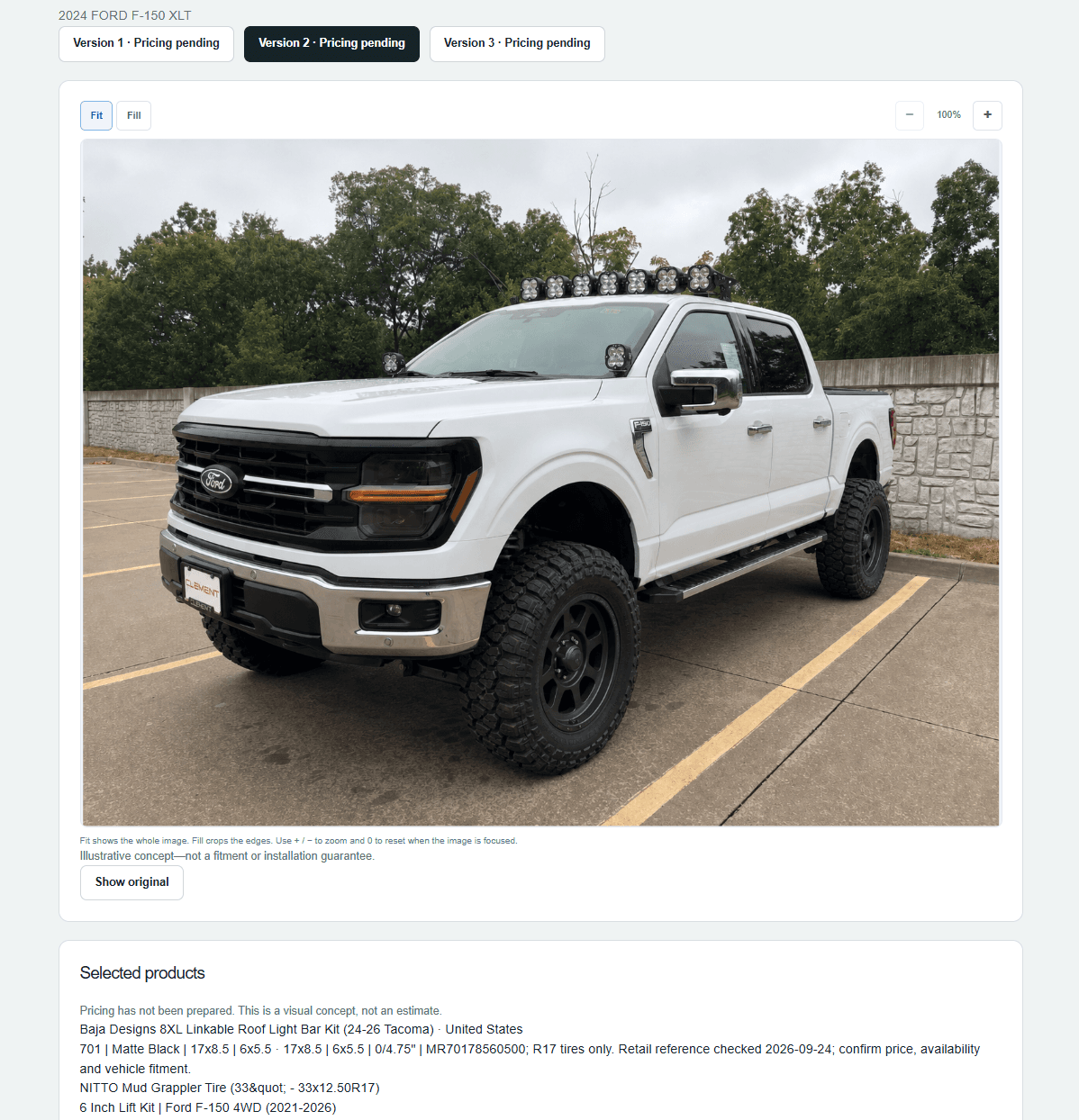
WHY SHOPS USE IT
Bring the conversation back to the customer’s own vehicle, with a visible starting point and proposed direction.
Keep separate versions for different looks so the customer can choose without losing the first idea.
Review product and labor pricing when it’s time to turn a visual concept into an estimate.
SIMPLE PRICING
Choose a plan around how often your team creates visual concepts. We’ll walk through setup and billing on your demo.
Buy two images together for $8, or three for $11.
Up to 200 rendered images each month, then $3 per additional image.
A render is a generated image. Fitment and installation decisions remain with the shop. Final plan terms are reviewed during setup.
Start with wheel, tire, lift and reviewed accessory concepts using customer vehicle photos. We can walk through your typical jobs during a demo.
No. Every output is an illustrative visual concept. Your shop confirms fitment, clearance, load suitability and installation requirements before selling or installing parts.
Capture a selected listing with the desktop browser extension, or paste a public product link on mobile to import available details. Review the image, exact variant and specifications before saving. For unsupported or dealer-login pages, upload a screenshot and enter the details. Your team checks pricing, availability and fitment.
Yes. Present build shows the vehicle concept and selected parts without prices. Prepare your selling prices and installation separately, then present the estimate when you’re ready. Website reference prices and shop costs stay private.
Start with a clear vehicle photo and an internet-connected browser. BiltRides includes photo guidance; no 3D scanner is needed. The optional supplier capture extension runs in desktop Chrome or Edge.
Use BiltRides alongside your current shop software to prepare visual concepts and estimates. Print or save a presentation as a PDF for your existing workflow. We’ll review account setup and your team’s workflow during the demo.
YOUR SHOP. YOUR NEXT BUILD.
Walk through a build with us, ask questions, and see what your team would use every day.
You’ll receive a calendar invitation and Google Meet link after booking.
Can’t find a suitable time? Email nazir@biltrides.com and we’ll find a time together.